One computer. Everyone together.
Host a game night.
You bring the controllers. GameNight gets the games ready.
-
Get GameNight.
Install it on the computer everyone will play on. Connect it to your TV for the big-screen version.
Download for WindowsWindows x64 · ≈39 MB Download for macOSApple Silicon & Intel · ≈55 MBFree, open source, early preview. Games download separately.
-
Open your lobby.
Windows: run the installer, then open GameNight.
Mac: open the DMG, drag GameNight to Applications, then open it.That’s your shared home between games.
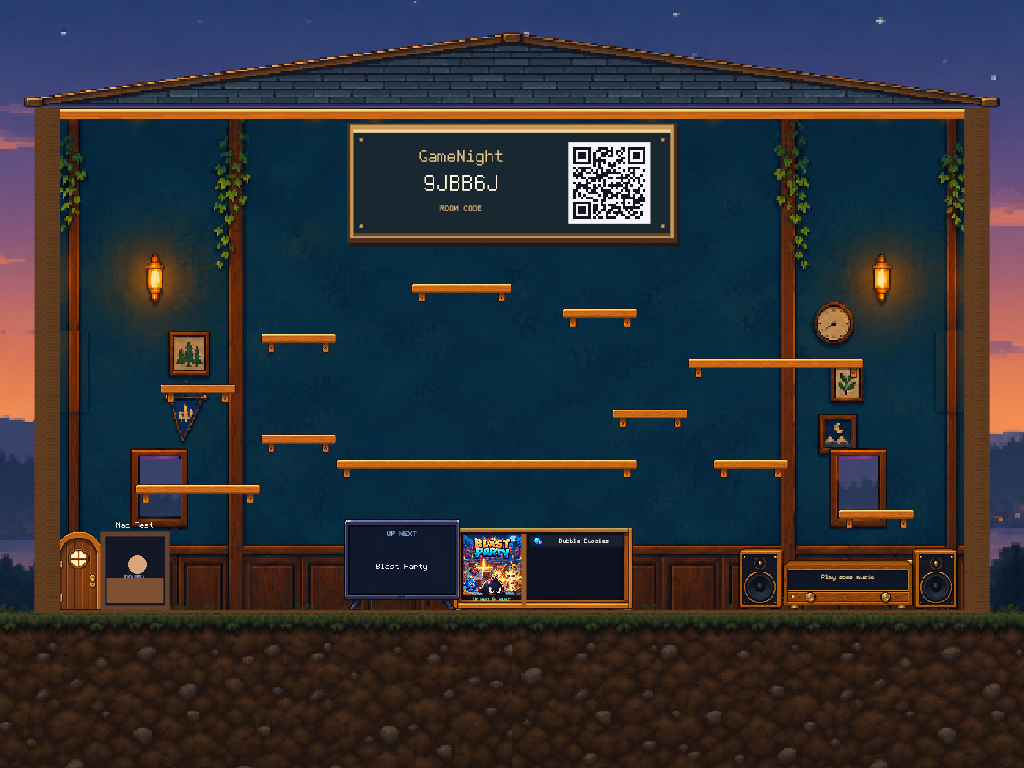
The lobby, illustrated with your crew -
Controllers in. Friends in.
Plug in or pair controllers with the host computer. Press a button on each to join the lobby.
On Windows, use Xbox / XInput-compatible controllers.
A random face to start. Your controller, your character.
-
Make that face yours.
Scan the lobby QR code with your phone. Draw a goofy face or sign in to load your saved profile.
Then pick up your profile in the lobby with your controller. That face is you, in every supported game.
Optional. Your random character is ready to play as-is.
Your faceDraw or load a profileSame you.In the lobby & games -
The games get ready.
Games install automatically in the background. Hang out in the lobby while the first downloads finish.
First-time setup depends on your internet speed. Downloaded games are saved for next time.
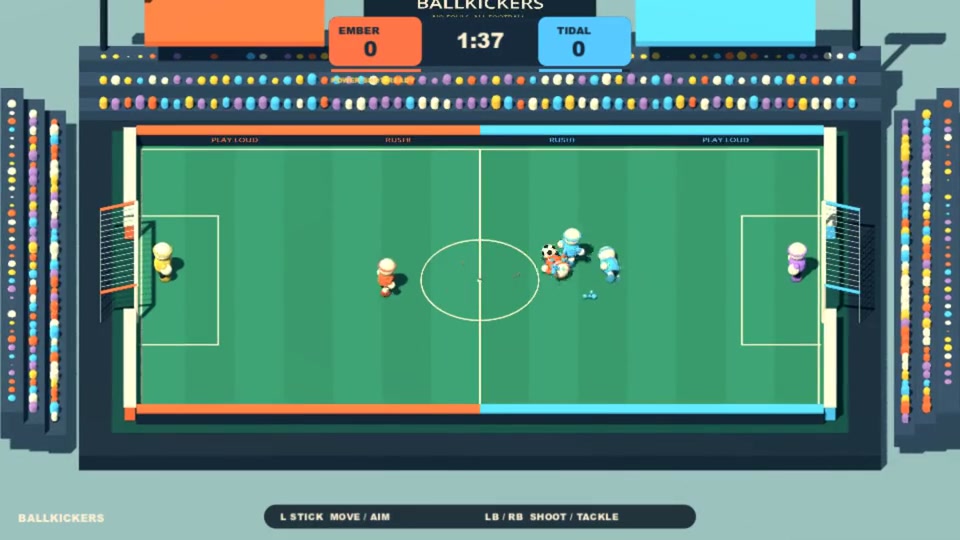 Ballkickers✓ Ready to play
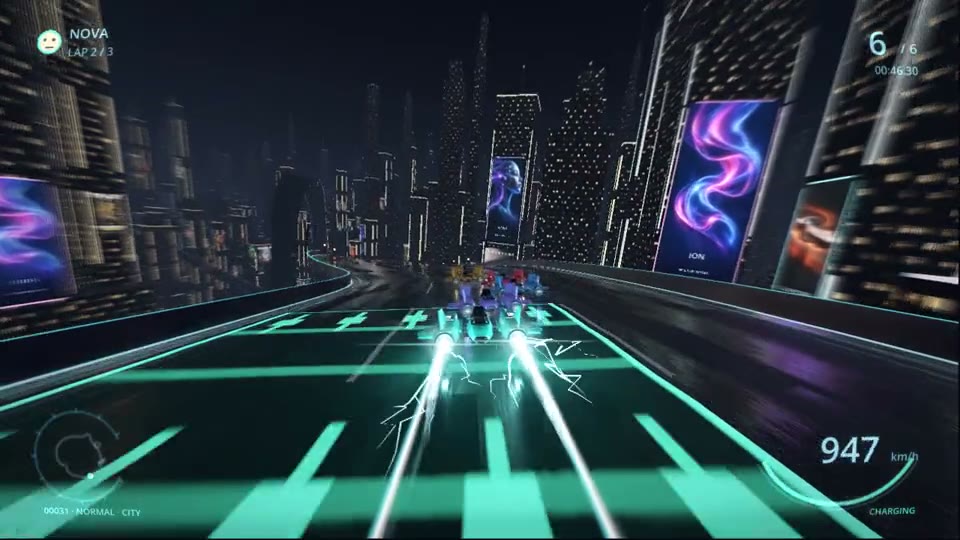 SpaceRacerPreparing in the background
 -
Let’s play.
Walk up to Play in the lobby and press Y. Use Back / Select to return to the lobby when you’re ready for something else.
Explore the gamesOne lobby. A whole evening of games.